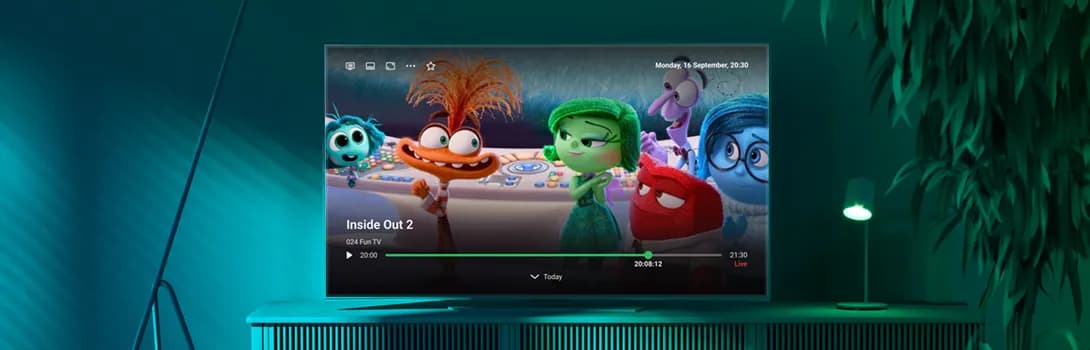
Smartlabs, a provider and system integrator of IPTV and OTT solutions, is excited to announce the upcoming release of SmartTUBE 9.2. Currently undergoing beta testing, this new version will introduce a range of features designed to provide subscribers with an even better user experience and operators with enhanced service management capabilities.
Preview Autoplay on Movie Rail****sThe SmartTUBE Admin Console now features a dedicated tab within channel properties, consolidating all available Ad Skip Restriction settings. Previously, these settings were present in multiple configuration files. This centralized approach simplifies and streamlines the configuration process for operators.
Google Chromecast SupportSmartTUBE Android and iOS Mobile Apps now support screen sharing to Chromecast devices and TVs with built-in Chromecast. This feature, along with existing support for Apple AirPlay and Smartlabs Screen Sharing technologies, enhances user capabilities to seamlessly transfer content watching between devices.
Movie Сatalog by Сast and DirectorUsers can now access a catalog of movies featuring a specific actor or director by selecting them on the details page of any movie. Operators can manage the list of personalities for each movie through existing VoD content import and editing mechanisms. This feature makes subscriber interaction with the service more enjoyable by allowing them to easily discover movies featuring their favorite personalities.
Static Ad Banner when Content is PausedSmartTUBE 9.2 expands operators’ marketing abilities. Now, when a user pauses any content in the full-screen player, a static banner can be displayed. When playback resumes, the banner disappears. The operator can manage the list of banners to display through the SmartTUBE Admin Console.
Consolidated Ad Skip Restriction SettingsThe SmartTUBE Admin Console now features a dedicated tab within channel properties, consolidating all available Ad Skip Restriction settings. Previously, these settings were scattered across multiple configuration files. This centralized approach simplifies and streamlines the configuration process for operators.
Nice Minor ImprovementsThe new version of SmartTUBE also includes a number of small but useful UI/UX improvements for users:
- SmartTUBE Apps for large-screen devices now feature a mini-player on the EPG screen. It displays the current TV show above the program guide next to the program description. The operator can control the geometry of the mini-player and its visibility in the app’s UI.
- Dialing a channel number on the EPG page with remote control now selects it on the program guide timeline. This is a more intuitive action for users than immediately starting channel playback.
- The detail page of Shared Recordings from the Catch-up Library now contains information about the recording availability period for users. Available for large-screen devices for SmartTUBE 9.2.
- The option to mute auto-play content on banners, ‘Сhannels’ rail and movie rails has been included in SmartTUBE Apps for large-screen devices. Operators can control the default value of this option, as well as its visibility to users in the app’s interface.
Bug-fixing and ImprovementsThe latest version of SmartTUBE SDP and Apps delivers a range of enhancements, focusing on both bug fixes and performance stability. Moreover, several features not covered in this press release have been improved to enhance the user experience. The beta testing phase ensures smooth and uninterrupted operation of the new and updated functionalities across both ourthe apps and server-side systems.